

Quick Summary
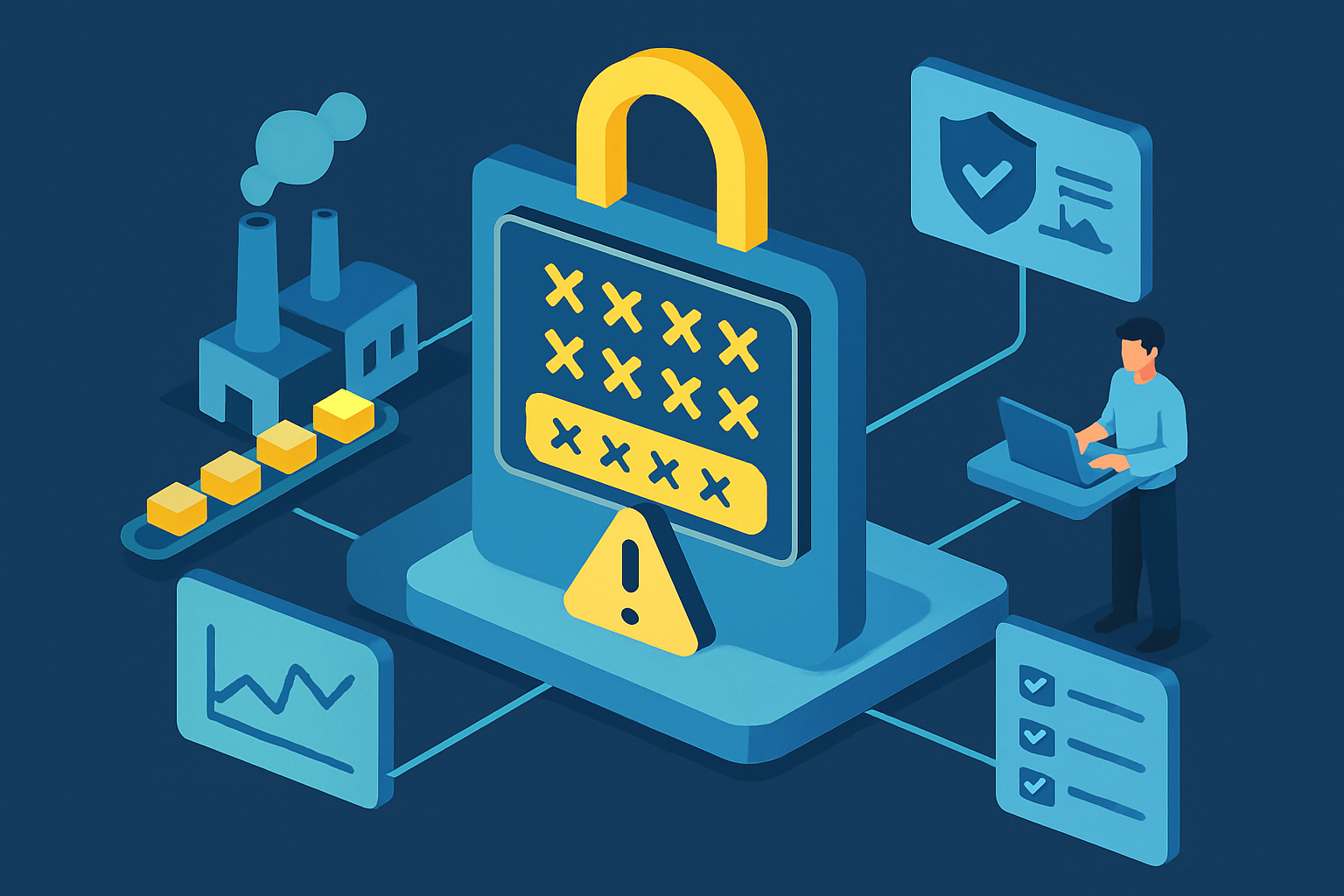
The article outlines nine common mistakes in implementing multi-factor authentication (MFA) in manufacturing IT, emphasizing the unique challenges of factory environments. Key issues include reliance on SMS OTPs, ignoring offline modes, and allowing shared passwords. These mistakes can lead to security vulnerabilities and operational disruptions, highlighting the need for tailored MFA solutions in industrial settings.
The Securityish Brief
Multi-factor authentication (MFA) is essential for securing manufacturing IT, yet various mistakes can undermine its effectiveness. The article identifies nine specific blunders that organizations often encounter, particularly in factory settings where connectivity and operational dynamics differ from standard office environments. These include relying solely on SMS for one-time passwords (OTPs), which can be problematic due to poor cellular reception on factory floors, and ignoring offline modes that can hinder access during signal dropouts.
Another significant issue is the failure to pilot test MFA implementations, which can lead to confusion among staff during busy shifts. Allowing shared passwords also poses a risk, as it compromises the security that MFA is meant to enhance. Extended OTP windows can create vulnerabilities, especially in unattended manufacturing stations, while poor role separation among different teams can lead to unclear permissions and increased risks.
Clunky kiosks that struggle with MFA prompts can create additional challenges, as can weak recovery flows that leave teams stranded during outages. Finally, skipping incident drills can prevent teams from effectively responding to MFA failures, revealing gaps in communication and recovery processes.
Common MFA Mistakes in Manufacturing
- RELYING ONLY ON SMS OTP – SMS codes are convenient but can be unreliable in areas with poor cellular reception.
- IGNORING OFFLINE MODES – Local backup codes or hardware tokens can maintain access during signal dropouts.
- NOT PILOT TESTING – A trial run can identify workflow mismatches and resistance before full implementation.
- ALLOWING SHARED PASSWORDS – Individual accounts improve security and accountability over shared logins.
- OVERLONG OTP WINDOWS – Shorter windows paired with stable authenticators can reduce idle exploitation.
- POOR ROLE SEPARATION – Clear privilege layers are essential to prevent confusion and enhance security.
- CLUNKY KIOSKS – Aging kiosks with slow software can create vulnerabilities during authentication.
- WEAK RECOVERY FLOWS – Layered recovery channels can prevent lockouts without compromising security.
- SKIPPING INCIDENT DRILLS – Regular drills can help teams prepare for MFA failures and improve response times.
Key Takeaways
- Evaluate your current MFA methods and consider moving away from SMS OTPs to more reliable options.
- Implement local backup codes or hardware tokens to ensure access during network outages.
- Conduct pilot tests of MFA systems to identify potential issues before full deployment.
- Ensure all users have individual accounts to enhance security and accountability.
- Regularly practice incident response drills to prepare teams for MFA failures.
Key Terms & Concepts
- Multi-Factor Authentication (MFA): In this article, MFA refers to a security process that requires multiple forms of verification to access systems.
- One-Time Password (OTP): An OTP is a temporary code used for authentication that is valid for only one login session or transaction.
- Backup Codes: Backup codes are alternative authentication methods that can be used when primary MFA methods are unavailable.
- Role Separation: Role separation involves assigning different permissions to users based on their roles to enhance security.
Read the original article here: https://securityboulevard.com/2025/12/9-mfa-mistakes-in-manufacturing-it-and-fixes/
Your 5-Minute Securityish Brief
A weekly digest of cybersecurity news, phishing alerts, privacy tips, and emerging threats, simplified so anyone can understand what matters and why.

Securityish
Securityish explains cybersecurity, scams, data breaches, and privacy risks in simple language so you know what’s happening and how to protect yourself.

Navigation
Your 5-Minute Cybersecurity Brief
A weekly digest of cybersecurity news, phishing alerts, privacy tips, and emerging threats, simplified so anyone can understand what matters and why.
© 2026 Securityish
